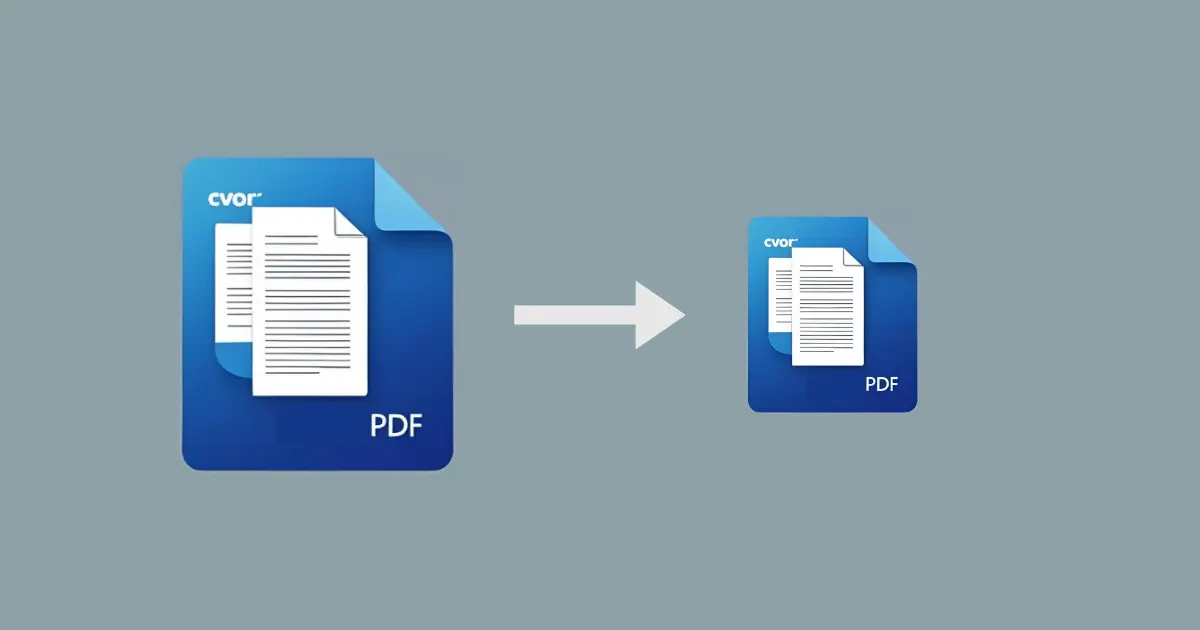
Make Your PDFs Smaller and Easier to Share
Bloated PDF files can be a hassle to share or upload. With CVOR’s PDF compression tool, you can reduce the size of large PDFs
while maintaining their visual quality.
How It Works
- Open the CVOR app and under PDF Tools, select Compress.
- Choose the PDF file you want to reduce.
- Let CVOR optimize the file size without affecting readability.
Smaller PDFs mean faster sharing and less storage consumption; all without relying on external services.
CVOR governs document workflows for compliance-sensitive organizations.
Explore the platform ->