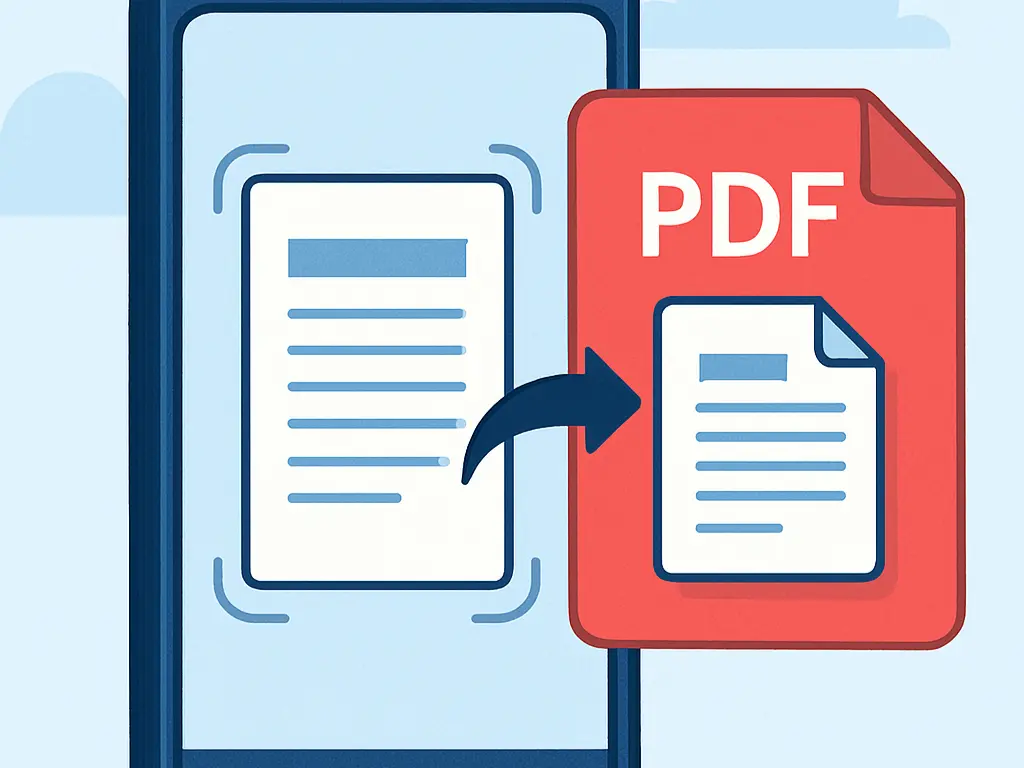
Turn Physical Documents into PDF in Seconds
Need to digitize important papers on the go? With CVOR’s Scan to PDF feature, you can instantly convert physical documents, receipts, or notes into clear, readable PDFs.
No bulky scanners or third-party apps required.
How It Works
- Open the CVOR app and select Scan to PDF.
- Use your camera to capture the document.
- Adjust the crop, enhance the clarity, and save it as a high-quality PDF.
- Rearrange the order (if needed) and save the documents into one PDF file.
All scans remain on your device, ensuring privacy and security.
CVOR governs document workflows for compliance-sensitive organizations.
Explore the platform ->