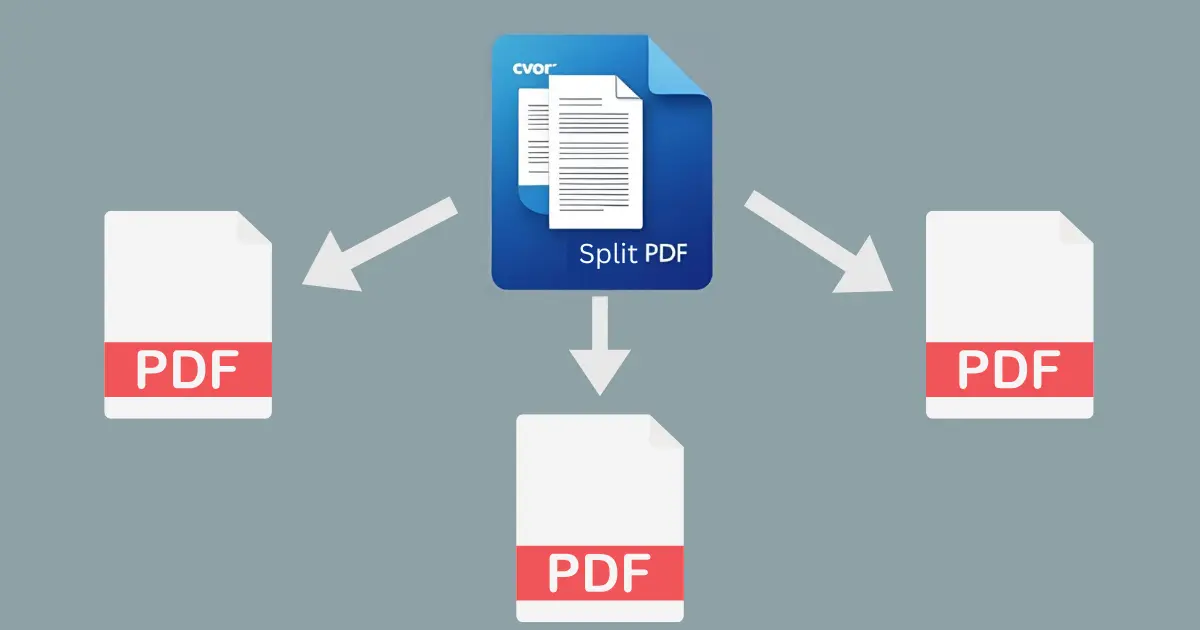
Divide Large PDFs into Smaller, Usable Sections
Ever needed only a few pages from a large PDF? With CVOR’s Split PDF tool, you can easily extract or separate pages
into smaller, individual files.
How It Works
- Open the CVOR app and under PDF Tools, select Split.
- Choose the PDF you want to split.
CVOR creates separate PDF files, keeping your original document intact and organized - all processed locally.
CVOR governs document workflows for compliance-sensitive organizations.
Explore the platform ->